
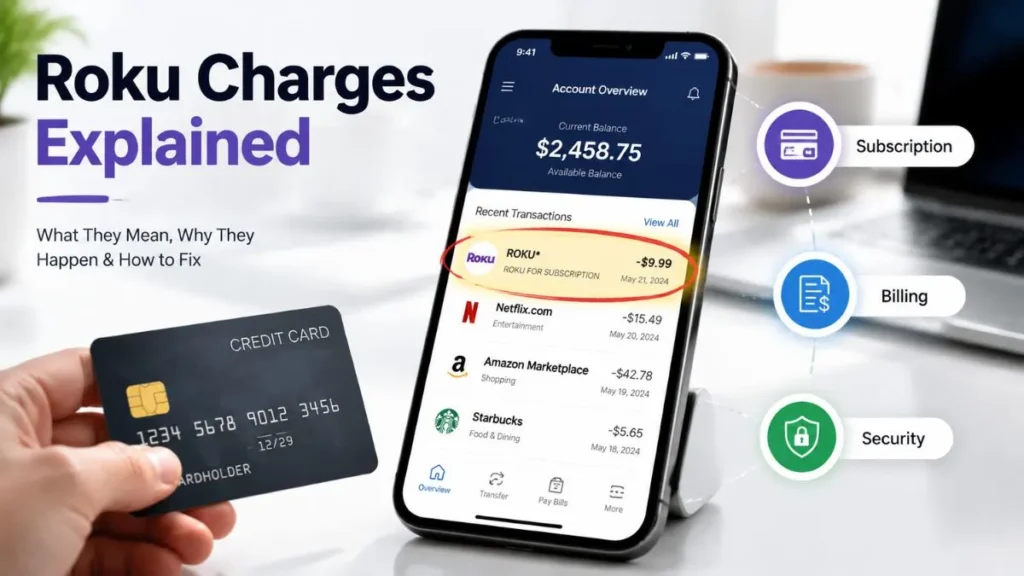
Seeing roku charges on my credit card can be confusing, especially when you don’t remember making any purchase or subscription. Many users in the United States face this situation and immediately assume it is fraud or unauthorized activity.
However, in most cases, Roku charges are not scams. They are usually linked to streaming subscriptions, free trials that automatically renewed, or purchases made through a Roku account or device that you may have forgotten about.
In this detailed guide, you will understand exactly what Roku charges mean, why they appear, how to identify them, and how to stop or dispute them if needed.
What is Roku?
Roku is one of the most popular streaming platforms in the United States. It allows users to watch movies, TV shows, live channels, and apps through smart TVs, streaming sticks, and mobile devices.
Roku works as a central platform that connects multiple streaming services in one place. Instead of subscribing directly to each app separately, users can also manage subscriptions through Roku’s billing system.
Important point: Roku is not always the actual service provider. It often acts as a billing processor for third-party streaming subscriptions.
What Does Roku Charge Mean on Credit Card?
When you see a Roku charge on your credit card statement, it usually means a payment has been processed through the Roku billing system.
This does not always mean you directly purchased something from Roku itself. Instead, the charge may be linked to another streaming service that uses Roku for billing.
Common statement descriptions:
- ROKU
- ROKU FOR [SERVICE NAME]
- THE ROKU CHANNEL
- ROKU SUBSCRIPTION
These variations depend on how the subscription was created and which service is being billed.
Main Reasons You See Roku Charges
There are several common reasons why Roku charges appear on your credit card. Most of them are legitimate and related to subscriptions or account activity.
Streaming Subscriptions (Most Common Reason)
The most frequent cause of Roku charges is an active streaming subscription. Many users subscribe to popular services such as:
- Netflix
- Hulu
- Disney+
- Paramount+
- HBO Max
If these subscriptions are activated through a Roku device or Roku account, the billing will appear as a Roku charge on your statement.
Even though you are using a third-party service, Roku may handle the payment processing.
Free Trial That Auto-Renewed
Free trials are another major reason for unexpected charges. Many streaming apps offer free trials for new users, but they automatically convert into paid subscriptions once the trial period ends.
If you forget to cancel the trial before the renewal date, Roku will charge your card automatically.
This is one of the most common reasons users feel they were “unexpectedly charged.”
Roku Channel Premium Content
Roku also provides its own streaming service called The Roku Channel. It includes:
- Paid movie rentals
- Live TV add-ons
- Premium channel subscriptions
These purchases are billed directly through Roku and appear on your credit card statement.
Family or Shared Device Purchases
If your Roku device is used by multiple people in your home, someone else may have:
- Subscribed to a service
- Purchased a movie or add-on
- Activated a free trial
Because Roku allows easy one-click purchases, accidental subscriptions are common in shared households.
Multiple Roku Accounts Confusion
Sometimes users have more than one Roku account or email address. In such cases:
- The charge may be linked to a different account
- You may be checking the wrong login
- Old accounts may still have active subscriptions
This leads to confusion when trying to identify charges.
Unauthorized or Suspicious Access (Rare Case)
In rare situations, unauthorized charges can occur due to:
- Weak passwords
- Password reuse on multiple websites
- Account compromise
If someone gains access to your Roku account, they may add subscriptions without your permission.
Although uncommon, this situation should be taken seriously.
What is the Small $1 Roku Charge?
Sometimes users notice a small charge (like $1) from Roku and think it is suspicious.
This is usually a temporary authorization hold used to verify that your credit or debit card is valid.
Key points:
- It is not a real subscription charge
- It is used for card verification
- It is usually refunded automatically within a few days
How to Identify Your Roku Charge
If you are unsure about a charge, you can easily verify it by checking your Roku account.
Step-by-step process:
Visit: https://my.roku.com
Then check:
- Purchase history
- Active subscriptions
- Billing receipts
Compare this information with your credit card statement:
- Amount charged
- Transaction date
- Merchant description
If everything matches, the charge is valid and linked to your account.
How to Stop Roku Charges
If you want to stop future Roku billing, follow these important steps:
Cancel Subscriptions
Go to your Roku account and turn off auto-renew for all active subscriptions.
Enable Roku PIN Protection
Set a PIN to prevent accidental purchases or unauthorized subscriptions on your device.
Secure Your Account
- Change your password
- Use a strong, unique password
- Avoid using the same password on other websites
Remove Payment Method
If you no longer want automatic billing, remove your saved credit card from your Roku account.
What If You Don’t Recognize the Charge?
If you still don’t recognize the charge after checking your account, possible reasons include:
- You are logged into a different Roku account
- A family member made the purchase
- A subscription was forgotten
- Rare case of unauthorized access
Refund & Dispute Process
If you believe the charge is incorrect, follow these steps:
- Contact Roku Support:-Explain the issue and provide transaction details.
- Request Refund:-Many accidental or unwanted subscriptions are eligible for refunds.
- Contact Your Bank:-If Roku cannot resolve the issue:
- File a charge dispute
- Request investigation
- Step 4: Replace Card (If Needed):-If fraud is suspected, request a new card for safety.
How to Prevent Future Roku Charges
To avoid unexpected billing in the future:
- Enable PIN protection
- Monitor subscriptions monthly
- Avoid saving cards on shared devices
- Use two-factor authentication (2FA)
Conclusion
Roku charges on your credit card are usually linked to streaming subscriptions, free trials, or purchases made through a Roku account. In most cases, they are not fraudulent but simply forgotten or unnoticed subscriptions.
By checking your Roku account, canceling unwanted services, and securing your login details, you can easily manage and prevent these charges in the future.
Read Also:-AMK CONC MMP Credit Card Charge

Emma Rose is a U.S.-based personal finance writer and a regular contributor at Cardix.us. She focuses on topics like credit cards, credit scores, and everyday money management. Emma’s writing makes complex financial concepts simple and practical, helping readers make smarter credit and spending decisions with confidence.

