
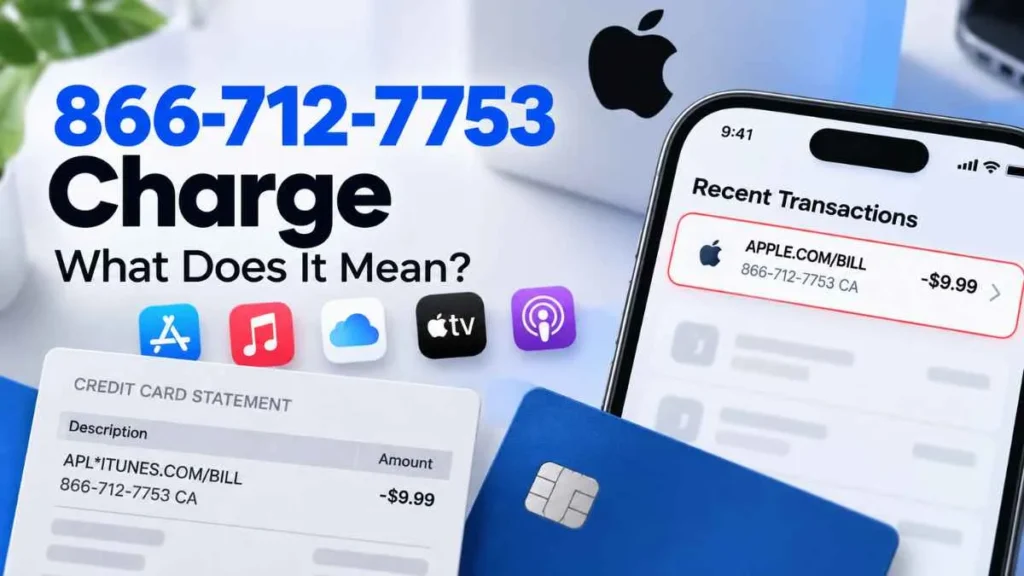
If you noticed an 866-712-7753 charge on your credit card or bank statement, you may be wondering where it came from. The number is often reported alongside Apple-related billing descriptions such as APPLE.COM/BILL or Apple/iTunes transaction information.
However, the phone number by itself does not prove that a transaction is legitimate or fraudulent. The safest approach is to identify the purchase through your Apple Account and, if necessary, contact your card issuer.
What Is the 866-712-7753 Charge?
An 866-712-7753 charge is a transaction description that some consumers have reported seeing alongside Apple-related charges.
Apple purchases can include apps, in-app purchases, subscriptions, cloud storage, digital media, and other services. Apple also notes that several purchases can sometimes be grouped into one billing transaction.
Because the statement description may not match the product or service name you remember, an unfamiliar Apple charge can be difficult to identify.
Is 866-712-7753 an Official Apple Number?
You should not assume that 866-712-7753 is Apple’s current official customer-support number.
Apple’s current website directs customers to its official Support and Contact pages for help with products, billing, subscriptions, and purchases. Apple also provides support contact information based on your country or region.
Therefore, if you need help with a suspicious transaction, use Apple’s official support channels rather than relying on an unfamiliar number shown in a statement, email, text message, or pop-up.
Why Might Apple Appear on Your Credit Card?
There are several legitimate reasons an Apple-related transaction may appear on your statement.
App Store Purchases
You may have purchased an app or other digital content through the App Store.
In-App Purchases
Games and apps can charge for subscriptions, premium features, digital items, or other content.
Apple Subscriptions
Recurring charges may come from services such as Apple Music, Apple TV, Apple Arcade, or other subscriptions.
iCloud+ Storage
An iCloud+ storage plan can create a recurring Apple billing transaction.
Family Sharing Purchases
If you use Family Sharing, another family member’s purchase may be billed to the payment method associated with the family.
Multiple Purchases Combined
Apple may group multiple purchases into a single billing transaction. As a result, the amount on your statement may be higher than any individual purchase you remember making.
Why Don’t I Recognize the Charge?
An unfamiliar Apple charge does not automatically mean your card was stolen.
Check these possibilities first:
- A family member made the purchase.
- You forgot about an active subscription.
- Several smaller purchases were grouped together.
- The purchase was made through another Apple Account you use.
- An in-app purchase was made unintentionally.
- The transaction was billed later than you expected.
Apple recommends checking your purchase history when you do not recognize an APPLE.COM/BILL transaction.
How to Check an 866-712-7753 Charge
Follow these steps before assuming the transaction is fraudulent.
1. Check your Apple purchase history.
Look for a transaction matching the exact amount and approximate date.
2. Review your subscriptions.
Check whether a recurring service renewed around the same time.
3. Check Family Sharing.
If you are part of a family group, review purchases made by other members.
4. Check other Apple Accounts.
If you have used more than one Apple Account, check the purchase history for each relevant account.
5. Review your email receipts.
Search your inbox for Apple purchase confirmations and subscription receipts.
6. Compare the amount.
Remember that several purchases can potentially appear as one combined charge.
What If the Charge Is Not in Apple Purchase History?
If you cannot find a matching transaction after checking your accounts, subscriptions, family purchases, and receipts, treat the charge cautiously.
Do not provide your Apple Account password, verification code, card number, or other sensitive information to someone who contacts you unexpectedly about the transaction.
Contact your credit card issuer using the phone number printed on the back of your card and explain that you do not recognize the transaction. The card issuer can review the transaction and explain the available dispute process.
Should You Call 866-712-7753?
It is better not to rely on the number simply because it appears in a transaction description.
For Apple-related billing questions, start with Apple’s official Support or Contact pages. If the transaction cannot be verified through Apple, contact your card issuer directly.
Is the 866-712-7753 Charge a Scam?
There is no reliable basis to say that every charge containing 866-712-7753 is a scam. At the same time, consumer reports include cases where people did not recognize transactions associated with this number.
That is why the transaction should be verified rather than judged from the phone number alone.
A matching Apple purchase, subscription, family purchase, or grouped transaction can explain a legitimate charge. If no Apple record matches the transaction, contacting your card issuer is the safer next step.
Final Takeaway
An 866-712-7753 charge on a credit card may appear alongside an Apple-related billing descriptor, but the number alone does not establish who actually authorized the transaction.
Start by checking your Apple purchase history, subscriptions, Family Sharing activity, other Apple Accounts, and email receipts. If nothing matches, contact your card issuer through the number on the back of your card and report the transaction for review.
Read Also:-405 Howard St San Francisco CA Credit Card Charge

Emma Rose is a U.S.-based personal finance writer and a regular contributor at Cardix.us. She focuses on topics like credit cards, credit scores, and everyday money management. Emma’s writing makes complex financial concepts simple and practical, helping readers make smarter credit and spending decisions with confidence.

