
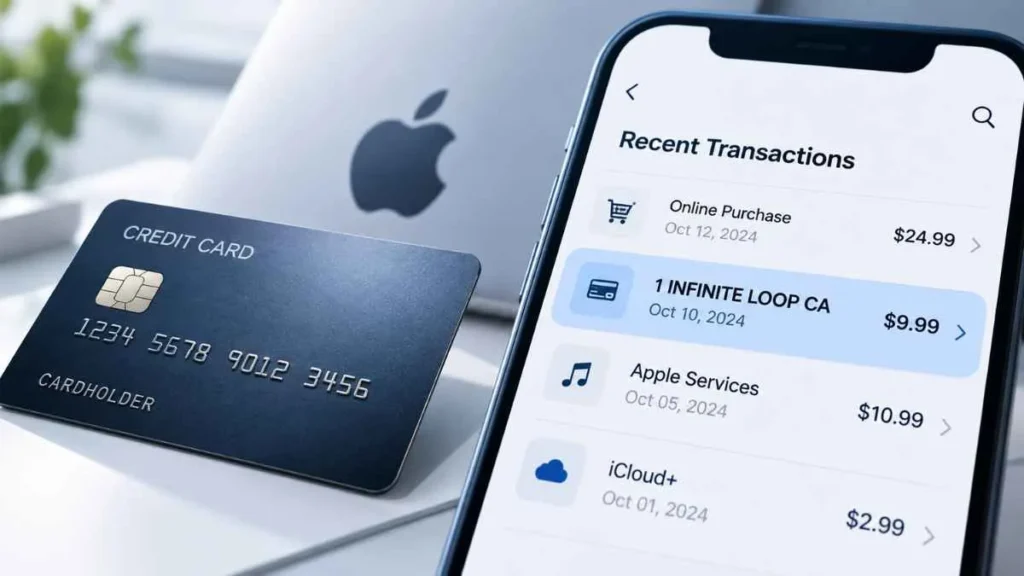
If you notice a 1infiniteloop charge on your credit card or bank statement, you may wonder what it is and whether you need to worry. 1 Infinite Loop, 1 Infinite Loop CA, and 1INFINITELOOP CA are Apple-associated billing descriptors linked to Apple’s former address in Cupertino, California. However, the descriptor alone does not identify the exact purchase. This guide explains why the charge may appear, how to identify it, and what to do if you don’t recognize it.
What Is the 1 Infinite Loop Charge?
A 1 Infinite Loop charge is generally associated with Apple-related billing information. 1 Infinite Loop was Apple’s former corporate address in Cupertino, California.
A credit card statement may display billing or merchant information instead of simply showing the familiar name “Apple.” Therefore, an Apple-related transaction may appear as 1 Infinite Loop or a similar variation.
Seeing this descriptor does not mean you physically visited Apple’s former address. It is transaction information associated with the billing record.
What Does 1 Infinite Loop CA Mean?
In 1 Infinite Loop CA, “CA” means California. Depending on the bank, card issuer, or payment processor, you may see variations such as:
- 1 Infinite Loop
- 1 Infinite Loop CA
- 1INFINITELOOP CA
- 1 Infinite Loop CA 95014
- Apple Cash with 1 Infinite Loop
The exact format can vary, so the descriptor alone cannot identify the specific purchase.
Why Did I Get a 1 Infinite Loop Charge?
There are several possible explanations for an Apple-associated transaction.
App Store or Digital Purchase
The charge may relate to an Apple digital purchase, such as an app, game, in-app purchase, music, book, movie, or other digital content.
Older Apple billing descriptors may also contain references associated with iTunes purchases.
Apple Subscription
A recurring Apple subscription may also explain the charge. Examples include:
- iCloud+
- Apple Music
- Apple TV+
- Apple Arcade
- Apple One
- App Store subscriptions
Check your active and recently renewed subscriptions and compare the billing date and amount.
Apple Cash Transaction
Apple Cash is another important possibility. Some transaction descriptions may contain both Apple Cash wording and 1 Infinite Loop.
Apple Cash is different from an App Store purchase. It allows eligible users in the U.S. to send and receive money. If your statement mentions Apple Cash or Pmnt Sent, check your Apple Cash transaction history.
Family Sharing Purchase
If you use Family Sharing, another family member may have made a purchase using the shared payment method.
Before reporting the charge as fraud, check with family members and review recent purchases.
Grouped Apple Purchases
Apple can sometimes group multiple purchases or subscriptions into a single bill. As a result, the amount on your statement may not match one individual purchase.
What Does 1 Infinite Loop Look Like on a Statement?
The descriptor can appear in different formats, including:
1 INFINITE LOOP1 INFINITE LOOP CA1INFINITELOOP CA1 INFINITE LOOP CA 95014APPLE CASH ... 1INFINITELOOPCA
Banks and payment processors may format transaction descriptors differently. For this reason, always consider the amount, date, and complete transaction description when identifying the charge.
Is 1 Infinite Loop a Legitimate Apple Charge?
It can be. The descriptor is associated with Apple-related billing, but it does not prove that a particular transaction is legitimate or identify exactly what was purchased.
If you recognize an Apple purchase, subscription, family purchase, or Apple Cash transaction that matches the amount and date, the charge may simply be legitimate activity you overlooked.
If nothing matches, investigate further before assuming it is either legitimate or fraudulent.
Is the 1 Infinite Loop Charge a Scam?
Not necessarily. An unfamiliar charge is not automatically a scam.
First check:
- Your Apple purchase history
- Apple subscriptions
- Family Sharing purchases
- Apple Cash activity
- Other Apple Accounts you may have used
The charge becomes more concerning if you cannot find any matching transaction, your family members do not recognize it, or multiple unexplained charges appear.
How to Find the 1 Infinite Loop Charge
1. Check Apple Purchase History
Visit Apple’s purchase-history service at reportaproblem.apple.com and sign in with your Apple Account. Compare the charge’s date and amount with your purchase history.
If you have used more than one Apple Account, check your other accounts too.
2. Check Your Subscriptions
Review active and recently renewed subscriptions. Look for a matching billing date and amount.
3. Check Family Sharing
Ask family members whether they recently purchased an app, game, subscription, or other Apple content.
4. Check Apple Cash
If your statement mentions Apple Cash, open your Apple Cash transaction history and look for a matching payment or transfer.
What If I Still Can’t Identify the Charge?
Don’t immediately assume fraud. Recheck your purchase history, subscriptions, Family Sharing, Apple Cash activity, and other Apple Accounts.
If you still cannot explain the transaction, contact Apple Support and provide the exact statement description, amount, and date.
If you believe the transaction was unauthorized, contact your bank or credit-card issuer and ask about its fraud investigation or dispute process.
Bottom Line
A 1 Infinite Loop charge is generally associated with Apple-related billing information and Apple’s former Cupertino, California address. The descriptor can appear with different types of Apple-related transactions, including digital purchases, subscriptions, and in some cases Apple Cash activity.
The name alone does not identify the exact transaction. Check your Apple purchase history, subscriptions, Family Sharing, and Apple Cash activity first. If the charge remains unexplained or appears unauthorized, contact Apple and your card issuer for further help.
Read Also:-4029357733 Charge on PayPal

Emma Rose is a U.S.-based personal finance writer and a regular contributor at Cardix.us. She focuses on topics like credit cards, credit scores, and everyday money management. Emma’s writing makes complex financial concepts simple and practical, helping readers make smarter credit and spending decisions with confidence.

