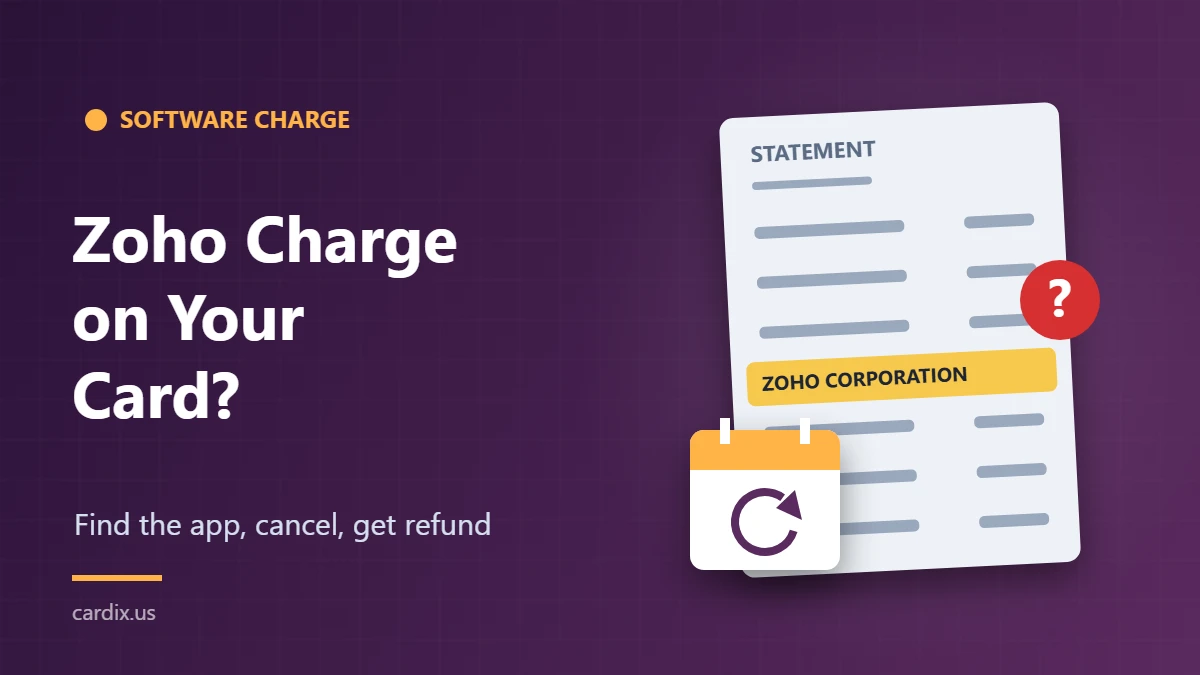
A charge labeled “Zoho Corporation,” “ZOHO-ZOHO CORP” or “ZOHO-ONE” on your credit card is almost always a payment for Zoho software. Zoho Corporation makes cloud business apps such as Zoho CRM, Zoho Books, Zoho Mail, Zoho Workplace and the Zoho One bundle, and its subscriptions renew automatically. The usual explanation is an annual or monthly renewal, a team account someone else set up with your card, or a plan that kept running after you stopped using it.
Below: how to read the descriptor, find the account that charged you, use Zoho’s short refund deadlines, and when to call your card issuer.
What the Zoho descriptor tells you
Zoho usually names the product in the statement line. Merchant-lookup databases such as Ramp’s charge finder list variations like these:
- ZOHO CORPORATION or ZOHO-ZOHO CORP: a general Zoho subscription or store purchase
- ZOHO-ONE: the Zoho One all-in-one suite
- ZOHO-CRM PLUS, ZOHO-SIGN, ZOHO-LEARN, ZOHO-SHIFTS, ZOHO-MARKETING AUTOMA: the specific app named after the dash
Banks may shorten the text, so treat the product name as a clue, not proof.
One common mix-up: Zoho also runs Zoho Payments, a service small businesses use to accept cards. Zoho’s own payment descriptor guidance tells those businesses to use a descriptor that matches their own business, trade or domain name. So if you paid a local business that uses Zoho Payments, you’d normally see that business’s name, not “ZOHO-ONE.” A line that names a Zoho product points to a Zoho subscription.
Why Zoho charged you
Check the common explanations in this order:
- An automatic renewal. Zoho subscriptions renew until you cancel them. Zoho says it emails you before each renewal with the amount, so search your inbox and spam folder for “Zoho” around the charge date.
- A work or side-business account. Zoho is built for teams. A coworker, bookkeeper, family member or former employer may have added your card as the payment method on an organization’s account.
- A second email address. Many people sign up for one Zoho app with a personal email and another with a work email, then forget one of them.
- Added users or an upgrade. Adding users or switching editions can create a separate charge with a different amount from your usual renewal. Zoho’s transaction history lists purchases, upgrades and renewals as separate entries.
- A PayPal payment. Zoho accepts card, PayPal and ACH for some products. If you paid through PayPal, the charge may show up through PayPal on your card statement.
If none fit and nobody you know uses Zoho, treat it as possibly unauthorized.
How to find the exact Zoho invoice
Note the charge date, exact amount and your card’s last four digits, then sign in to each Zoho account you might own.
Menu names vary a little by app, but Zoho’s help pages describe the same basic path: open Settings, choose Manage Subscription, which opens the Zoho Store, then open Your Store Details and select Transaction History. You’ll see each purchase, renewal and upgrade with its date, plan and amount, plus a PDF invoice you can download.
If the amount and date match an invoice, the charge is legitimate. The invoice also shows which organization and app it was for. If you can’t find it in any account you control, skip to the last section.
How to cancel so it doesn’t renew again
Cancelling a Zoho app usually means downgrading it to the free plan, not deleting your account. As an example, Zoho’s CRM Plus cancellation steps are:
- Click your user icon and choose Manage Billings.
- Hover over your current plan and select Cancel Subscription.
- Tick the confirmation box and give a reason.
- Choose whether to downgrade at the end of the current billing cycle or right away, then confirm.
Other apps follow a similar path through Manage Subscription and Change Plan. Before you downgrade, export any data you need. For some apps, like Zoho Invoice, existing data becomes read-only on the free plan. If you also want to stop Zoho from billing that card again, remove or replace the saved card under the subscription’s payment method settings.
Zoho’s refund windows (act fast)
Zoho’s official refund policy sets firm deadlines:
| Situation | Refund window |
|---|---|
| Forgot to cancel a monthly plan | Within 5 business days after the renewal |
| Forgot to cancel an annual plan | Within 15 days after the renewal |
| Unhappy with a new monthly plan | Within the first month |
| Unhappy with a new annual plan | Within the first 45 days |
For dissatisfaction refunds, Zoho tries to fix the problem first. If you’re still unhappy, it offers a full refund and moves your account to the free plan. The policy says renewal refund requests won’t be processed after those windows, including prorated refunds. Reducing licenses or editions on an annual plan earns credit as a subscription extension, not cash back. No refund applies if an account was suspended for a Terms of Service violation.
The policy lists payments@zohocorp.com for refund requests and cancellation@zohocorp.com for other questions. Include the invoice number, account email, date and amount.
If you don’t recognize the charge at all
If no account you can access shows the charge, call the number on the back of your card and report it as unauthorized. Your issuer can cancel the card and send a new one. Under federal law, the most you can owe for unauthorized credit card use is $50, and many issuers charge nothing.
If Zoho won’t refund a renewal you believe was a billing error, you can dispute it with your issuer. The FTC explains that you have 60 days from the date the first bill with the error was sent to get a written dispute to the issuer, and the issuer must resolve it within 90 days. Keep copies of your cancellation confirmation and any emails with Zoho.
A tip: if the charge turns out to be from a business account, talk to the account owner before you dispute it. The owner can often cancel the plan or switch cards faster than a dispute resolves.
Seeing other software charges? Compare our guides to the Zoom.us charge on credit card, the Intuit charge, the Microsoft charge and the Adobe Systems charge.
This article is general consumer information, not legal or financial advice. Check Zoho’s current terms and your card agreement for your specific case.

Emma Rose is a U.S.-based personal finance writer and a regular contributor at Cardix.us. She focuses on topics like credit cards, credit scores, and everyday money management. Emma’s writing makes complex financial concepts simple and practical, helping readers make smarter credit and spending decisions with confidence.