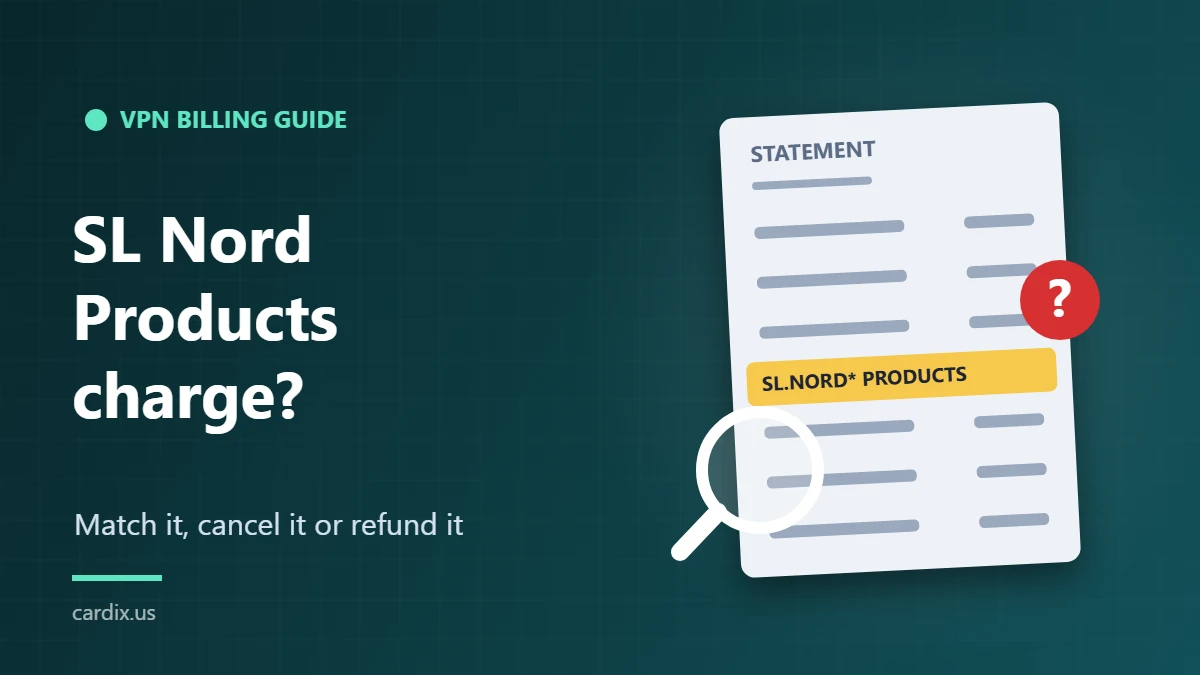
If you see SL NORD PRODUCTS (often printed as SL.NORD* PRODUCTS) on your credit card statement, it almost certainly points to a Nord Security subscription. Nord Security makes NordVPN, NordPass, NordLocker and several other privacy tools. Most of these charges are a first purchase or an automatic yearly renewal that the cardholder forgot about. This guide shows how to confirm which Nord product billed you, why the amount may look higher than you expected, and exactly how to cancel, request a refund, or dispute the charge if you never signed up.
What the SL NORD PRODUCTS charge means
Card statements shorten merchant names, so Nord’s charges don’t always say “NordVPN.” Charge-lookup tools and cardholder reports tie the “SL.NORD* PRODUCTS” descriptor to Nord’s VPN business. In one support-forum post, a cardholder described an unrecognized $219.48 charge shown as “SL NORD PRODUCTS NORD VPN.com NY.” Other Nord charges appear under names such as NORDVPN.COM. If you paid through Google Play or Apple, the charge carries the app store’s name instead.
Nord does not publicly explain the “SL” prefix, and we could not verify its meaning. Treat any claim about what “SL” stands for as a guess. The useful fact is that the rest of the descriptor names Nord’s products.
According to Nord Security, its products include NordVPN, NordPass, NordLocker, NordLayer, Saily and NordStellar. So the charge could come from any of these, not only the VPN.
Why you were charged (and why the amount looks high)
Nord’s own help center explains most surprise charges. Here are the common causes:
- Automatic renewal. Nord plans renew automatically when the first term ends. The renewal uses the standard renewal price, not the promotional price you paid at signup. Nord says it emails you before renewal if that price changes.
- Taxes and currency conversion. Sales tax is added at checkout. If your card converts currency, the final amount can differ slightly from the price you saw.
- A bundle or add-on. A Complete plan, a dedicated IP, or a NordPass or NordLocker subscription costs more than a basic VPN plan.
- A coupon that didn’t apply. An expired or mistyped code means you paid the standard price.
- Someone in your household. Nord’s support article on unauthorized card use notes that a family member or friend may have used your card.
How to confirm it’s a Nord charge in 5 minutes
- Search your email for “Nord,” “NordVPN,” “NordPass,” “receipt” and “renewal.” Check every address you use, including old ones.
- Log in to Nord Account at my.nordaccount.com (type the address yourself) and open the Billing tab. Compare the dates and amounts with your statement.
- Check app store subscriptions in your iPhone Settings, in Google Play, and in Amazon if you use a Fire device.
- Look back through older statements. A matching charge one or two years earlier usually means this one is a renewal.
- Ask household members whether anyone bought a VPN or password manager.
Where to cancel or get a refund depends on where you bought it
The place you bought the plan decides who handles cancellation and refunds. This is where many people get stuck.
| Where you bought it | How to cancel | Who handles the refund |
|---|---|---|
| Nord website (card or PayPal) | Nord Account > Billing > Cancel next to Auto-renewal | Nord, through live chat and the Refund button |
| Apple App Store | iPhone Settings > your name > Subscriptions | Apple |
| Google Play | Google Play subscriptions | Nord support, or Google Play within 48 hours of payment |
| Amazon Appstore | Your Amazon subscriptions | Amazon |
| Retailer or reseller | Follow the seller’s instructions | The retailer |
Turning off auto-renewal
For direct purchases, Nord’s official cancellation steps are: log in to Nord Account, open Billing, click Cancel next to Auto-renewal, confirm with Cancel auto-renewal, and check that the status reads OFF. The same steps work for NordPass, NordLocker, Dedicated IP and bundles. Nord sends a confirmation email when the cancellation goes through, so save it. Cancelling stops the next renewal. It doesn’t refund a charge you’ve already paid.
Requesting a refund
Nord’s refund policy offers a 30-day money-back guarantee, but only on your first subscription purchase. Under the policy, renewed periods are not refundable unless local law requires a refund. Start a live chat with Nord support and you’ll get a link. Verify your identity, then click Refund on an eligible payment in your billing history. If there’s no Refund button, that payment isn’t eligible under the guarantee. Once the status shows “Refunded,” Nord says the money can take up to 10 business days to reach your card.
If you never signed up for anything from Nord
If no account, email or app store subscription matches the charge, treat it as possibly unauthorized:
- Report it to Nord. Its unauthorized card use page asks for the first six and last four digits of your card, the cardholder name, the amount, the date, and a screenshot of your statement. Never share the full card number.
- Call your card issuer using the number on the back of your card. Ask them to dispute the charge and replace the card if it may be compromised.
- Put the dispute in writing. The FTC explains that a credit card billing dispute must reach your issuer within 60 days after it sent the first bill with the error. Send it to the billing-inquiries address, not the payment address.
Federal law limits the damage. The CFPB says your liability for unauthorized credit card charges is capped at $50. If only your card number was stolen, not the card itself, you’re generally not liable at all.
If the charge turns out to be a forgotten subscription, try Nord’s refund process before filing a dispute. Merchants can contest disputes over charges you actually authorized, and that can drag the process out for weeks.
Quick answers
Is SL NORD PRODUCTS a scam?
Usually not. The descriptor is linked to real Nord Security subscriptions. Fraud is possible, though, if someone used your card to buy a plan. Your Nord Account billing history settles the question.
Why was I charged more than last time?
Most first terms are discounted. The renewal price, plus tax and any add-ons, is usually higher.
Related charge guides
Other tech subscriptions use cryptic descriptors too. See our guides to the B2 Services OU charge, the Cybernet charge, and the Astroline Today charge.

Emma Rose is a U.S.-based personal finance writer and a regular contributor at Cardix.us. She focuses on topics like credit cards, credit scores, and everyday money management. Emma’s writing makes complex financial concepts simple and practical, helping readers make smarter credit and spending decisions with confidence.