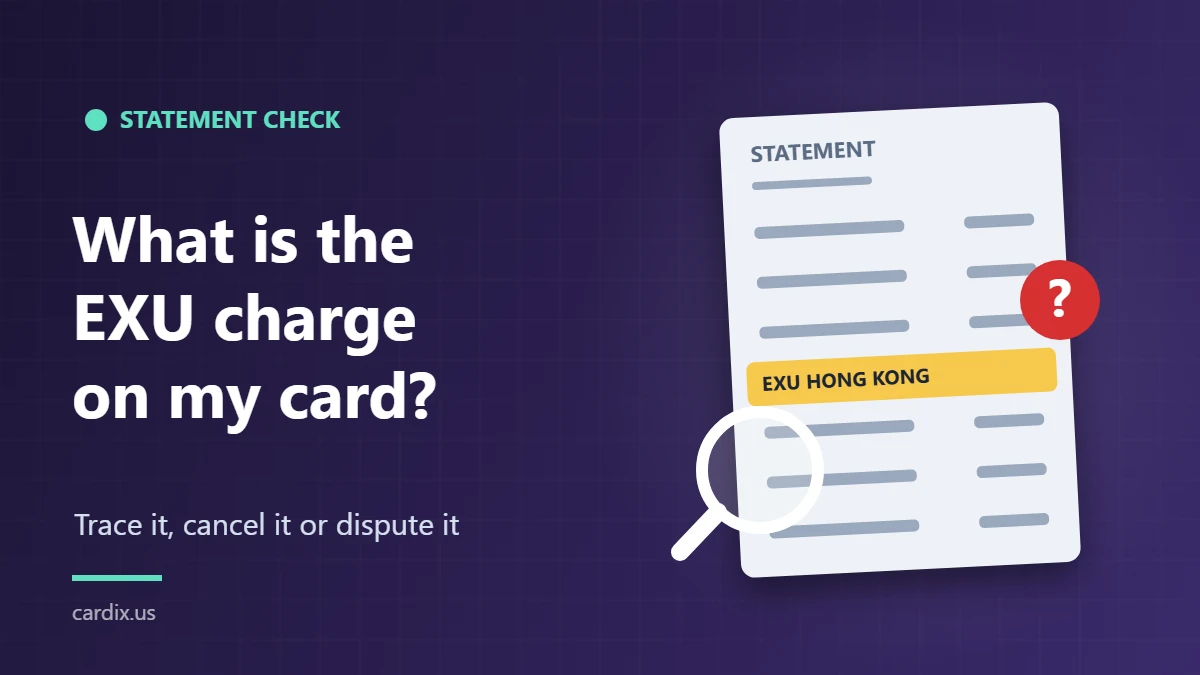
An EXU charge on your credit card, often shown as “EXU Hong Kong” or a similar short line, is a merchant descriptor, not a fee your bank invented. No company has published an official guide to this descriptor, so nobody can tell you with certainty who billed you from the letters alone. Public records do point to one strong candidate, though, and the steps below will help you confirm the source, cancel it if it’s a subscription, or dispute it if you never agreed to it.
What EXU most likely refers to
Card statements show whatever name the merchant registers with its payment processor. That name is often short, abbreviated, or different from the brand you know, which is why a charge can look unfamiliar even when it’s legitimate.
For “EXU,” the best-supported lead is a Hong Kong company named EXU (HK) Limited. Third-party trademark directories list it as the owner of U.S. marks including HOLLA and MONKEY, which are names of social and video-chat apps. A 2022 filing on the Hong Kong stock exchange’s disclosure site describes a related entity, EXU Inc., as the holding company for an overseas app business that includes Holla and Monkey.
Here’s what that does and doesn’t prove:
- Reasonably supported: an EXU-named group in Hong Kong is connected to the Holla and Monkey social apps.
- Not confirmed: that every “EXU” line on a U.S. statement comes from that group. No official billing page or descriptor list confirms it.
- Not known: prices, plans, refund policies or a support phone number tied to the descriptor. Don’t trust any site that states these as fact.
Other possibilities to rule out
Because “EXU” is only three letters, keep these labeled possibilities in mind:
- A web or in-app purchase in a chat or dating-style app. Coins, weekly passes or premium upgrades bought directly on a website can show the developer’s company name rather than the app name.
- A different merchant that happens to abbreviate to EXU. Small businesses and payment intermediaries sometimes truncate long names.
- A lookalike descriptor. “EXA,” “EXP” or “EXPEDIA” can be misread at a glance. Read the full line in your bank’s app, not just the shortened version on a paper statement.
- Fraud. If none of the above fits, treat it as unauthorized until you prove otherwise.
Why an app charge may not say “Apple” or “Google”
This detail helps you narrow things down. Purchases made through the App Store or Google Play are usually billed by Apple or Google, so they tend to appear under those names. If you see a line naming the app company itself, the purchase was more likely made on the app’s website or through a direct card payment, not through an app store.
That matters for cancellation. Deleting the app does nothing either way. Google even warns that uninstalling an app won’t cancel your subscription, and the same is true for web-billed plans.
How to trace the EXU charge in 10 minutes
- Open the transaction in your card’s app. Look for the full merchant name, a city, a website, or a phone number. Many issuers also show a “merchant details” or “enhanced descriptor” view.
- Note the amount and date. A small, repeating amount often points to a weekly or monthly plan. One larger amount may be a coin pack or a bundle of in-app purchases.
- Search your email. Try “EXU,” “Holla,” “Monkey,” “receipt,” “subscription” and “trial” around the charge date.
- Check your app store subscriptions. On an iPhone, Apple’s guide shows how to view and cancel subscriptions in Settings. On Android, open Google Play’s subscriptions page.
- Ask your household. Teens often sign up for social apps on a parent’s saved card. A shared device or a family payment method is a common, innocent explanation.
- Compare with other foreign charges. A Hong Kong merchant may trigger a foreign transaction fee on some cards. That fee is a separate line from your issuer, not part of the merchant’s charge.
If you recognize it: cancel the right way
Cancel where you signed up. For web-billed plans, sign in to the app’s website or account settings and turn off auto-renewal, then save the confirmation email or screenshot. If you can’t find a cancel option, contact the app’s support through its official website or in-app help, and keep a record of the request.
If you were charged after canceling, that’s a billing error you can dispute with your card issuer.
If you don’t recognize it: dispute and protect your card
Call the number on the back of your card and report the charge. Ask whether the issuer can tell you more about the merchant, and request a replacement card if you suspect your number was stolen. A new number also stops any recurring billing tied to the old one.
Timing matters. Under federal billing rules, you should send a written dispute within 60 days of the first statement that showed the charge. Call first, then follow up in writing to the billing-disputes address listed by your issuer.
Your exposure is limited. If someone used your card without permission, the CFPB explains that the most you’ll owe for unauthorized charges is $50, and many card agreements reduce that to zero.
Common questions
Is an EXU charge a scam?
Not necessarily. The descriptor appears to be tied to a real app group, so many EXU charges are probably genuine purchases someone forgot about or didn’t recognize. Still, if no one in your household made the purchase, dispute it.
Why does EXU keep charging me?
Repeating charges usually mean an active auto-renewing plan. Find where the plan was bought and cancel it there, or replace your card if you never signed up.
Can I get a refund?
Refunds depend on the merchant’s own policy, which we couldn’t verify for this descriptor. For unauthorized charges, your card issuer’s dispute process is the reliable route.
Related unclear-charge guides
Short descriptors cause the same confusion elsewhere. See our guides to the SPRED charge on a credit card, the TECH SG charge, and the LFRC charge for more examples of tracing a short merchant code back to its source.

Emma Rose is a U.S.-based personal finance writer and a regular contributor at Cardix.us. She focuses on topics like credit cards, credit scores, and everyday money management. Emma’s writing makes complex financial concepts simple and practical, helping readers make smarter credit and spending decisions with confidence.