
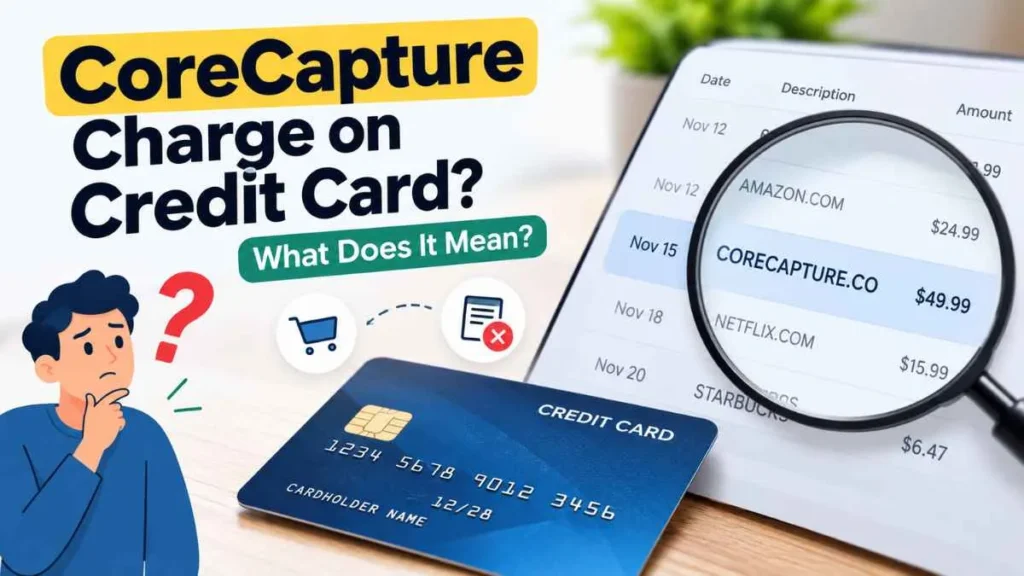
A CoreCapture charge on credit card can be confusing if you do not recognize the name or remember making a purchase from CoreCapture. CoreCapture is associated with payment recovery, which helps merchants recover eligible payments that previously failed or were declined. As a result, the charge may be connected to a purchase or subscription with another business. An unfamiliar charge is not automatically fraudulent, but you should verify it before deRciding what to do.
What Is a CoreCapture Charge on a Credit Card?
A CoreCapture charge is generally associated with a payment that a merchant is recovering through CoreCapture. The company provides payment-recovery services that can help merchants collect eligible payments after an unsuccessful payment attempt.
This means you may not have purchased anything directly from CoreCapture. The original transaction could have been with another merchant that uses CoreCapture as part of its payment-recovery process.
For example:
Customer → Merchant → Payment Fails → Payment Recovery → CoreCapture → Card Statement
If you previously attempted to pay $50 for an online service and the payment failed, the merchant may later recover that payment. The resulting transaction could appear with a CoreCapture-related descriptor.
Why Is CoreCapture Showing Up on My Credit Card?
There are several possible reasons.
A Previous Payment Failed
Your original payment to a merchant may have been declined or unsuccessful. If that merchant uses CoreCapture for payment recovery, the payment may later be recovered and appear with a CoreCapture-related descriptor.
You Have a Subscription
A recurring CoreCapture transaction could be connected to a subscription or recurring service with another merchant. However, CoreCapture should not automatically be considered the subscription provider simply because its name appears on your statement.
The Statement Name Is Different
Credit card statements may display a billing or processing descriptor that differs from the business name you remember. The full descriptor may include CoreCapture, a website, location, phone number, or other information.
You Forgot an Older Purchase
The transaction could relate to an older purchase or failed payment. Check previous statements and email receipts for transactions with the same amount or a similar date.
What Does a CoreCapture Charge Look Like?
Depending on the card issuer and transaction details, you may see descriptors such as:
- CORECAPTURE
- CORECAPTURE.CO
- CORECAPTURE + a location
- CORECAPTURE + additional transaction information
The exact format can vary. Always check the complete descriptor instead of relying only on the word “CoreCapture.”
Is CoreCapture a Subscription Charge?
Not necessarily.
A CoreCapture transaction does not automatically mean you signed up for a CoreCapture subscription. It may be related to a purchase or recurring service from another merchant.
If you see the same CoreCapture charge repeatedly, review your active subscriptions and recurring payments. Compare the transaction amounts and dates with your purchase history.
Is a CoreCapture Charge Legitimate or a Scam?
A CoreCapture charge should be evaluated based on the individual transaction.
CoreCapture describes its business as helping merchants recover eligible failed or declined payments. Therefore, a CoreCapture-related transaction may have a legitimate connection to a purchase you previously made.
However, some consumers may not recognize the descriptor. If you cannot connect the charge to a purchase, subscription, or previous payment attempt, investigate it before assuming it is legitimate.
An unfamiliar CoreCapture charge does not automatically mean fraud. If you determine that you did not authorize the transaction, contact your credit card issuer and follow its fraud or dispute process.
How to Find Out What a CoreCapture Charge Is
If you do not recognize the transaction, follow these steps:
1. Check the Transaction Details
Note the:
- Exact amount
- Transaction date
- Full statement descriptor
- Location
- Phone or reference information, if shown
2. Search Your Email
Search your inbox and spam folder for:
- CoreCapture
- corecapture.co
- The exact dollar amount
- Payment confirmation
- Failed payment
- Subscription
- Renewal
3. Review Recent Purchases
Look for purchases where your payment initially failed, was declined, or was later successfully processed.
4. Check Recurring Payments
Review subscriptions and recurring payments connected to your credit card, PayPal, Apple, Google, or other payment accounts.
5. Check Older Statements
Compare the CoreCapture transaction with previous months to find a matching merchant, amount, or failed payment.
What Should You Do If You Don’t Recognize the Charge?
First, try to identify the original merchant using the transaction details, emails, and previous statements.
If you identify the merchant, contact it about the charge and ask for clarification, cancellation, or a refund when appropriate.
If the transaction remains unclear, contact CoreCapture through its official support channel and ask for the underlying merchant or transaction details. Provide only the information necessary to identify the payment, such as the transaction amount, date, and last four digits of your card.
If you believe the transaction is unauthorized, contact your credit card issuer using the number on the back of your card and ask about the appropriate dispute or fraud-reporting process.
How to Prevent Unexpected Credit Card Charges
To catch unfamiliar transactions early:
- Review your credit card statement every month.
- Keep track of active subscriptions.
- Save purchase and subscription receipts.
- Turn on transaction alerts.
- Review recurring payments regularly.
- Report unauthorized transactions promptly.
Frequently Asked Questions
What is CoreCapture on my credit card?
CoreCapture is associated with payment-recovery services that merchants can use to recover eligible failed or declined customer payments.
Why did CoreCapture charge my card?
A possible reason is that a merchant you previously purchased from used CoreCapture to recover an unsuccessful payment.
Is CoreCapture a monthly subscription?
Not necessarily. A CoreCapture transaction may be connected to another merchant’s purchase or subscription.
Is a CoreCapture charge automatically fraudulent?
No. An unfamiliar descriptor can have a legitimate explanation. If you cannot identify or authorize the transaction, contact your card issuer.
How can I identify a CoreCapture charge?
Check the full statement descriptor, amount, date, email receipts, subscriptions, recent purchases, and older statements. If necessary, contact CoreCapture or your card issuer.
Final Takeaway
A CoreCapture charge on credit card may be connected to a merchant’s payment-recovery process rather than a direct purchase from CoreCapture. A previous failed payment, recurring service, or unfamiliar statement descriptor could explain why the name appears on your statement.
If you do not recognize the transaction, check your payment history and email records first. If you still cannot identify it or believe it was unauthorized, contact CoreCapture and your credit card issuer for assistance.
Read Also:-Dropbox Charge on Credit Card

Emma Rose is a U.S.-based personal finance writer and a regular contributor at Cardix.us. She focuses on topics like credit cards, credit scores, and everyday money management. Emma’s writing makes complex financial concepts simple and practical, helping readers make smarter credit and spending decisions with confidence.

