
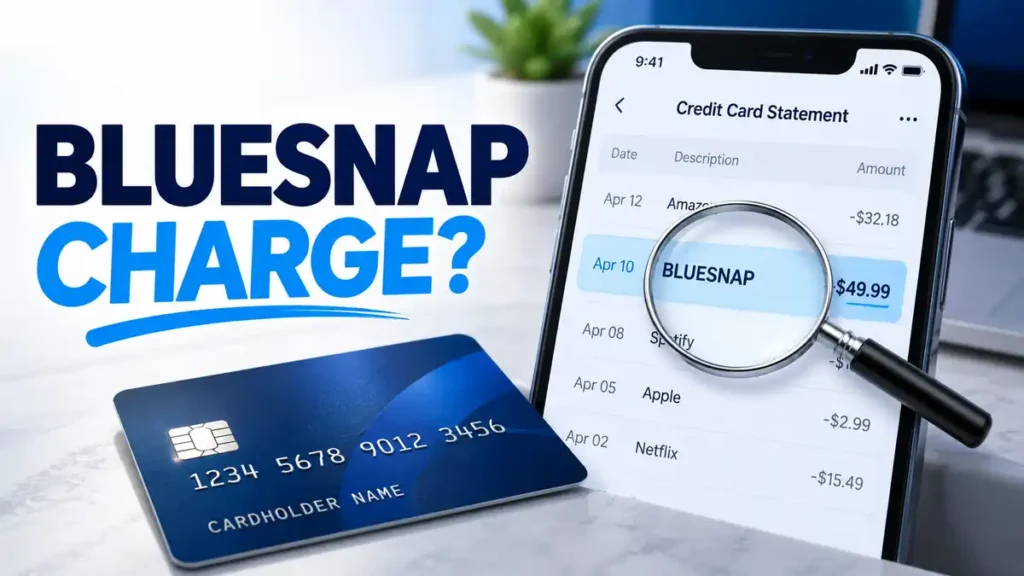
A BlueSnap charge on credit card usually means a payment was processed through BlueSnap, a payment processing company used by online businesses. The charge may relate to software, a digital product, an online service, or a recurring subscription. However, BlueSnap may not be the actual seller. If you don’t recognize the transaction, checking your billing statement and purchase history can help you identify the merchant. This guide explains why BlueSnap charges appear, how to identify the business, and what to do about unwanted or unauthorized payments.
What Is BlueSnap?
BlueSnap is a payment processing platform that helps businesses accept online payments and manage recurring billing. Companies use its services to process credit card transactions and support different payment methods.
When you purchase something from a business that uses BlueSnap, its name or a related billing descriptor may appear on your statement. This does not necessarily mean you purchased something directly from BlueSnap. The actual seller may be a software company, subscription provider, or another online business.
You can learn more through the official BlueSnap website.
Why Is BlueSnap Charging My Credit Card?
A BlueSnap charge can have several possible explanations.
An Online Purchase
You may have purchased software, a digital product, or an online service from a business that uses BlueSnap to process payments.
A Recurring Subscription
The charge could be an automatic renewal for a monthly or annual subscription you previously purchased.
A Forgotten Free Trial
A free trial may have converted into a paid subscription under the terms you accepted when signing up.
An Unfamiliar Merchant Name
Your statement may display a billing descriptor that differs from the brand name you remember.
A Pending or Duplicate-Looking Transaction
A pending authorization and a completed payment may temporarily appear as separate entries. Check their status before assuming you were charged twice.
An Unauthorized Charge
If you don’t recognize the transaction, investigate it promptly. An unfamiliar descriptor alone does not prove fraud, but you should not ignore a potentially unauthorized payment.
What Does BLS* Mean on a Credit Card Statement?
The BLS* prefix is associated with BlueSnap payment processing. The text following the prefix may identify the merchant’s configured business name. For example, a statement might show BLS*MERCHANTNAME.
The exact descriptor can vary depending on the merchant’s settings and your card issuer. If the name is unfamiliar, review your receipts or consult BlueSnap’s official statement descriptor documentation.
How to Identify the Merchant Behind a BlueSnap Charge
Follow these steps to investigate an unfamiliar transaction.
- Check your statement: Note the complete billing descriptor, transaction date, amount, and status.
- Search your email: Look for “BlueSnap,” “BLS,” “receipt,” “invoice,” or the exact dollar amount. Check your spam folder too.
- Review purchase history: Check recent online orders, software purchases, and subscription confirmations.
- Contact BlueSnap: Visit the official Shopper FAQs for guidance on identifying the transaction.
- Verify the merchant: Once identified, confirm the product, billing terms, and payment date with the business.
If you still cannot identify the charge, contact your credit card issuer for further assistance.
Is BlueSnap a Legitimate Company?
BlueSnap is a legitimate payment processing company. However, that does not automatically mean every transaction bearing its name is authorized.
The Better Business Bureau (BBB) publishes individual customer complaints about billing and unfamiliar transactions. These reports provide context but do not prove that every BlueSnap charge is fraudulent.
In May 2024, the Federal Trade Commission (FTC) announced legal action involving allegations about BlueSnap’s payment processing for a particular business. This historical case does not establish that your individual transaction is fraudulent.
How to Cancel a BlueSnap Subscription
If the charge relates to a recurring subscription, first identify the merchant.
- Find the receipt: Search your email for the original purchase confirmation.
- Cancel the subscription: Sign in to the merchant’s website and look for subscription settings or a cancellation link.
- Save confirmation: Keep the cancellation email or reference number.
- Check future statements: Verify that additional recurring charges stop.
For further guidance, see BlueSnap’s official subscription cancellation guide.
Canceling a subscription does not automatically guarantee a refund for a previous payment. Contact the merchant to ask about refund eligibility.
How to Dispute an Unauthorized BlueSnap Charge
If you believe a transaction was unauthorized, contact your credit card issuer promptly and ask about disputing the charge. If you cannot identify the merchant, you can also contact BlueSnap Shopper Support.
Keep relevant receipts, emails, cancellation confirmations, and support correspondence. Ask your card issuer about applicable dispute deadlines and whether your card should be locked or replaced.
Frequently Asked Questions
What is BlueSnap on my bank statement?
It usually indicates a payment processed through BlueSnap for a business. The descriptor alone may not identify the actual seller.
Is a BlueSnap charge a scam?
Not necessarily. BlueSnap is a legitimate payment processor, but an unfamiliar transaction should be verified.
Why was I charged by BlueSnap twice?
You may be seeing a pending authorization alongside a completed payment, or there may be a genuine duplicate charge. If both transactions post, contact your card issuer.
Can I get a refund for a BlueSnap charge?
Possibly. Contact the merchant to request a refund. If you suspect an unauthorized payment, contact your card issuer about your dispute options.
Final Thoughts
A BlueSnap charge on your credit card usually means a payment was processed through BlueSnap for another business. Check your statement, receipts, and subscription history to identify the merchant. If the charge remains unexplained or appears unauthorized, contact BlueSnap Shopper Support or your credit card issuer promptly.
Read Also:-American Strategies Charge on Credit Card

Emma Rose is a U.S.-based personal finance writer and a regular contributor at Cardix.us. She focuses on topics like credit cards, credit scores, and everyday money management. Emma’s writing makes complex financial concepts simple and practical, helping readers make smarter credit and spending decisions with confidence.