
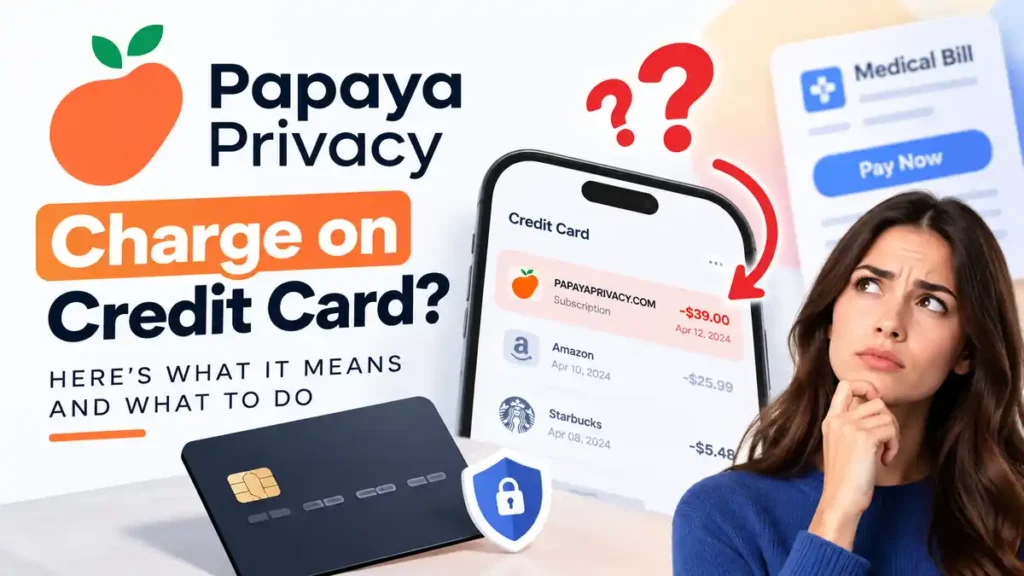
If you notice a papaya privacy charge on credit card statements, it may be a payment for Papaya Privacy, a subscription service designed to help remove personal information from data broker websites and monitor potential data exposure. The charge may relate to a subscription or trial you previously started. However, if you do not recognize it, verify the transaction before assuming it is legitimate. Here is how to identify the charge, cancel the subscription, request a refund, or dispute an unauthorized payment.
What Is Papaya Privacy?
Papaya Privacy is a paid service that offers personal data removal, identity monitoring, and identity restoration benefits. Its website says the service scans more than 350 data broker sites to help locate exposed personal information.
The service is separate from Papaya’s bill payment product. You do not need a Papaya Privacy subscription to pay bills through Papaya.
Why Is Papaya Privacy Charging My Credit Card?
There are several possible reasons for this transaction:
- You signed up for a subscription: You may have enrolled while using a website, app, or related service.
- A trial converted into a paid plan: If your enrollment included a trial, billing may have started after it ended, depending on the terms you accepted.
- Your subscription renewed: An active subscription may generate recurring monthly or annual charges.
- You do not recognize the transaction: Someone else may have used your payment details, or the charge may have been made in error.
Check your email for signup confirmations, receipts, or subscription notices. If you still cannot identify the payment, contact Papaya Privacy directly.
How Much Does Papaya Privacy Cost?
Papaya Privacy’s enrollment page has listed a price of $39 per month, but your actual charge may differ depending on your plan and enrollment terms. Check your receipt and account details to confirm the price, billing frequency, and any trial conditions.
You can review the official Papaya Privacy website for current information.
How to Identify a Papaya Privacy Charge
Depending on the transaction, your statement may show a descriptor such as:
PAPAYAPRIVACY.COMPPRIVACYSUB.COMPAPAYA PRIVACY SUBSCRPPRIVACYPLUS.COMPAPAYA* TRIAL PRIVACYPP* TRIAL PAPAYAME.COM
These are examples listed by Papaya Privacy on its official website. The exact wording may vary by bank or payment processor.
Papaya Privacy vs. Papaya Pay Fee
These charges are different, so check the complete transaction description.
| Feature | Papaya Privacy | Papaya Pay fee |
|---|---|---|
| Purpose | Personal data and identity protection | Processing a bill payment |
| Billing | Recurring subscription may apply | Fee per eligible bill payment |
| Statement clue | Privacy-related descriptor | PapayaP*Fee |
Papaya Pay’s terms list a platform fee of 3% per bill payment, with a $0.75 minimum and $9.99 maximum. This fee is separate from the biller’s charge.
Is Papaya Privacy a Scam?
An unfamiliar charge alone does not prove that a company is a scam. Papaya Privacy describes its subscription and services on its official website, but you should still verify any payment you do not recognize.
If you never knowingly subscribed, cannot find an enrollment confirmation, or believe your card was charged without permission, contact the company and your card issuer. Do not ignore repeated or unexplained transactions.
How to Cancel Papaya Privacy
To stop future subscription charges:
- Sign in to your Papaya Privacy account.
- Open the Account section.
- Select Manage Subscription and follow the cancellation instructions.
- Save your cancellation confirmation.
You can also contact support at support@papayaprivacy.com or 1-888-850-5196. Papaya Privacy says cancellations are available at any time.
How to Request a Refund or Dispute an Unauthorized Charge
If you want a refund, contact Papaya Privacy and explain the charge. Its refund policy says customers can request a refund if the service is unsatisfactory. The company states that processed refunds may take up to five business days to appear.
If you did not authorize the transaction, contact your credit card issuer promptly. Ask about blocking further charges, replacing your card if necessary, and disputing the payment. For US credit cards, the CFPB advises sending a written billing-error notice within 60 days after the statement containing the charge was sent.
Frequently Asked Questions
Is Papaya Privacy required to pay bills?
No. Papaya Privacy is a separate service and is not required to use Papaya’s bill payment product.
Will canceling stop future charges?
Canceling your subscription should stop future subscription billing according to the applicable terms. Keep your cancellation confirmation and check your next statement.
What if I do not recognize the charge?
Contact Papaya Privacy to request transaction details. If you still cannot verify or authorize the payment, report it to your card issuer.
Final Thoughts
A papaya privacy charge on credit card statements may be a subscription payment, renewal, or trial-related charge. Check your statement and enrollment records, then contact Papaya Privacy to clarify, cancel, or request a refund. If the payment appears unauthorized, notify your card issuer promptly and keep records of your communications.
Read Also:-Amazon Digital Charge on Credit Card

Emma Rose is a U.S.-based personal finance writer and a regular contributor at Cardix.us. She focuses on topics like credit cards, credit scores, and everyday money management. Emma’s writing makes complex financial concepts simple and practical, helping readers make smarter credit and spending decisions with confidence.