
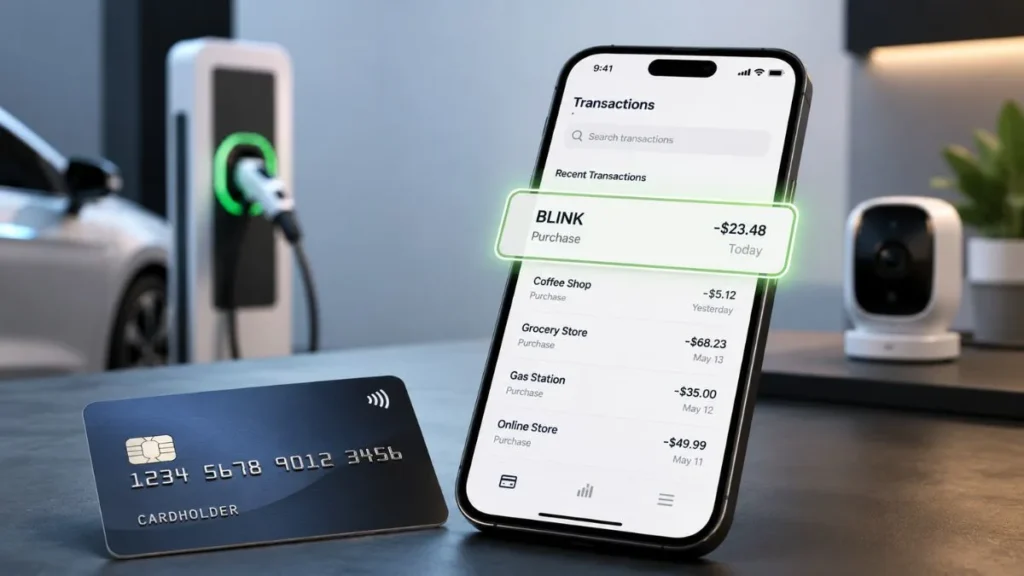
Seeing a BLINK charge on credit card statement can be confusing, especially when you do not remember making the payment. However, a BLINK charge does not always mean fraud. The transaction may be related to Blink Charging EV stations, Blink Smart Security subscriptions, or another Blink-related service.
Since multiple companies use the Blink name, identifying the exact source of the charge requires checking your transaction details. In this guide, we will explain what a BLINK charge means, why it appears, how to identify it, and what steps to take if the charge is unauthorized.
What Is a BLINK Charge on a Credit Card?
A BLINK charge on credit card is a transaction that appears on your statement under the merchant name “BLINK” or a similar billing descriptor.
A merchant descriptor is the name or description provided by a company when processing a payment through your bank or credit card network.
The reason it can be difficult to identify the exact company is that different services may use the Blink name. Your statement may show variations such as:
- BLINK
- BLINK AMAZON.COM
- BLINK AMZN
- BLINK UX
- BLINK + reference number
The exact description can vary depending on your bank, payment processor, and merchant setup.
Why Did I Get a BLINK Charge on My Credit Card?
A BLINK charge can appear for several reasons. The most common possibilities include EV charging payments, security subscriptions, or other recurring services.
Blink Charging EV Payment
One possible reason for a BLINK charge is a payment from Blink Charging, an electric vehicle (EV) charging network.
You may see this charge if:
- You charged your electric vehicle at a Blink station.
- Someone using your vehicle used a Blink charger.
- A company or fleet vehicle connected to your payment method was charged.
Blink charging payments can be made through the Blink app, credit card payments, or guest charging options.
Blink Temporary Authorization Hold
Sometimes a BLINK transaction appears as a pending charge because of a temporary authorization hold.
An authorization hold is used to verify your payment method before completing a charging session. It is not always the final amount you will pay.
The process usually works like this:
Charging starts → Card verification → Temporary hold → Final billing
After the charging session ends, the final amount is calculated, and the temporary hold is adjusted or removed.
Amazon Blink Security Subscription Charge
Another possible reason is a Blink Smart Security subscription.
Blink provides smart home security products, including cameras and cloud storage services.
A BLINK subscription charge may appear if you:
- Purchased a Blink camera.
- Activated a free trial.
- Subscribed to cloud storage.
- Forgot to cancel an active plan.
If your subscription renews automatically, your saved payment method may be charged during the next billing period.
What Does BLINK AMAZON.COM Charge Mean?
If your statement shows:
- BLINK AMAZON.COM
- BLINK AMZN
the charge may be related to a Blink Smart Security subscription managed through Amazon.
Possible reasons include:
- Automatic subscription renewal
- Saved Amazon payment method
- An old Blink or Amazon account with an active plan
If you do not recognize the charge, check all Amazon accounts connected to your email addresses and review your active subscriptions.
Why Am I Getting Unknown BLINK Charges Every Month?
Recurring BLINK charges usually happen because of a subscription or saved payment method.
Common reasons include:
Forgotten Subscription
You may have:
- Started a free trial that became a paid plan.
- Activated Blink services and forgot to cancel.
- Kept an older device subscription active.
Old Amazon Account
The charge may be connected to:
- Another Amazon account.
- A family member’s account using your card.
- A previously saved payment method.
Unauthorized Card Usage
In some cases, repeated BLINK charges may happen because someone used your card information without permission.
Warning signs include:
- You never used any Blink service.
- You do not own Blink devices.
- You cannot find any related subscription.
- The charge appears repeatedly.
How to Find Out Who Charged Your Card for BLINK?
Follow these steps:
Check Your Credit Card Statement
Review:
- Full merchant name
- Charge amount
- Transaction date
- Transaction ID or reference number
The details can help identify whether the charge is related to EV charging, a subscription, or another service.
Check Your Amazon Account
If you suspect Blink Security:
- Log in to Amazon.
- Check memberships and subscriptions.
- Review saved payment methods.
- Look for Blink-related services.
Check Your Blink Account
Review:
- Subscription status
- Billing history
- Payment methods
- Previous transactions
How to Stop BLINK Charges?
If the charge is from a Blink subscription:
- Log in to your Blink or Amazon account.
- Open subscription settings.
- Find the active Blink plan.
- Cancel the subscription.
- Confirm the cancellation.
If the charge is from Blink EV charging, future charges will stop when the payment method is no longer used for charging sessions.
How to Dispute an Unauthorized BLINK Charge?
If you cannot identify the transaction and believe it is unauthorized:
- Contact your credit card company.
- Report the unknown BLINK transaction.
- Request an investigation.
- Follow the dispute process provided by your card issuer.
- Monitor your account for additional suspicious activity.
Acting quickly can help protect your account and improve the chances of resolving unauthorized charges.
Frequently Asked Questions
What is BLINK charge on my credit card?
A BLINK charge is usually related to Blink Charging EV services, Blink Smart Security subscriptions, or another Blink-related service.
Is BLINK Amazon charge legitimate?
Yes, it can be legitimate if you have an active Blink subscription or previous trial that renewed. If you do not recognize it, check your Amazon account.
Is BLINK Charging related to Hyundai Genesis?
Yes, a BLINK charge may appear if a Hyundai Genesis EV was charged using a Blink charging station.
Can I dispute an unknown BLINK charge?
Yes. If you cannot identify the payment, contact your credit card issuer and request a transaction review.
Conclusion
A BLINK charge on credit card does not always mean fraud. It may be a legitimate payment for EV charging, a Blink Smart Security subscription, or another Blink-related service.
The best way to identify the charge is to check your statement details, review your accounts, and confirm whether you have an active subscription. If the payment is unauthorized, contact your credit card company and begin the dispute process.
Read Also;-Vayu Wear Charge on Credit Card

Emma Rose is a U.S.-based personal finance writer and a regular contributor at Cardix.us. She focuses on topics like credit cards, credit scores, and everyday money management. Emma’s writing makes complex financial concepts simple and practical, helping readers make smarter credit and spending decisions with confidence.

