
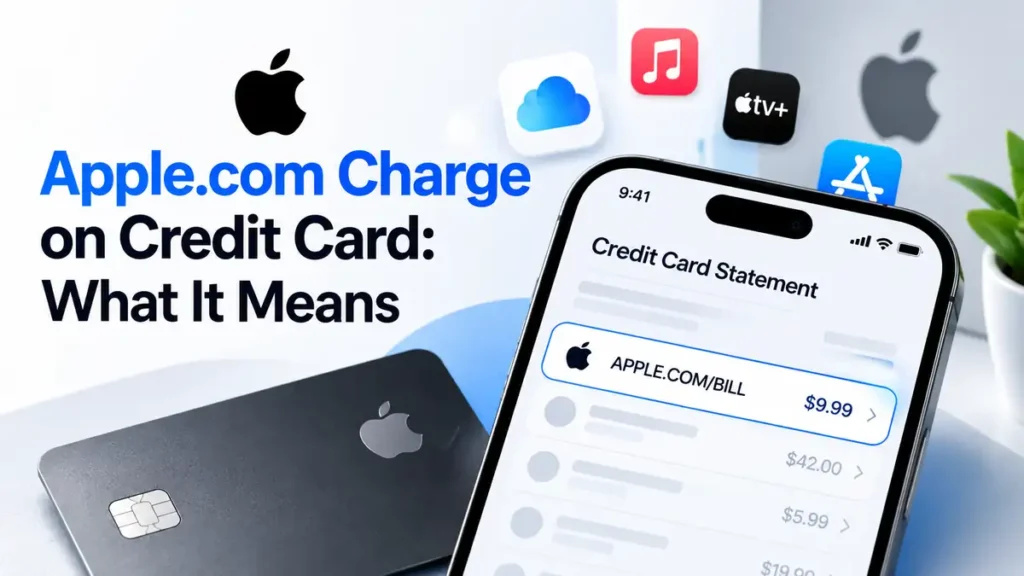
An apple com charge on credit card statements can be confusing when you don’t remember making a purchase. It may come from an App Store purchase, an iCloud+ plan, an Apple Music subscription, or another service billed by Apple. The charge could also involve a family member’s purchase. Here’s how to identify the transaction, cancel unwanted subscriptions, request a refund, and report a payment you don’t recognize.
What Is Apple.com/BILL on a Credit Card Statement?
APPLE.COM/BILL is a billing descriptor commonly associated with purchases and services billed by Apple. It may appear for apps, in-app purchases, digital content, and subscriptions. The descriptor identifies the billing merchant but may not show the exact product purchased. It does not necessarily mean someone bought an Apple device.
Why Is Apple Charging My Credit Card?
Common reasons include:
- Automatic subscription renewals: iCloud+, Apple Music, Apple TV+, or eligible third-party subscriptions may renew automatically.
- App Store purchases: Paid apps, game credits, premium features, and other digital content can generate charges.
- Combined purchases: Apple may group multiple purchases into one bill, so the total might not match a single subscription price.
- Family Sharing: Eligible family purchases may be billed to the family organizer’s payment method when Purchase Sharing is enabled.
- Another Apple Account: A purchase made through a different account may not appear in the history you checked.
- Unauthorized use: If no purchase explains the transaction, someone may have used your payment details without permission.
How to Find Out What an Apple.com Charge Is For
- Visit Apple’s Report a Problem portal and sign in.
- Search your purchase history and compare the transaction amount and date with your credit card statement.
- Check nearby transactions because multiple purchases may be combined.
- Search your email for Apple receipts and purchase confirmations.
- Review other Apple Accounts and ask family members about eligible purchases.
If you still cannot identify the charge, contact Apple Support. If you suspect unauthorized use, contact your card issuer promptly.
Why Was I Charged $0.99, $2.99, $9.99, or $19.99 by Apple?
These amounts do not identify a specific Apple service by themselves. Subscription prices, taxes, promotional offers, and combined purchases can affect the total. Match the amount and date against your purchase history rather than guessing what the charge represents.
How to Stop Recurring Apple.com Charges
On your iPhone or iPad:
- Open Settings and tap your name.
- Select Subscriptions.
- Choose the subscription you no longer want.
- Tap Cancel Subscription and follow the instructions.
Cancellation generally stops future renewals but does not automatically refund previous payments. If you cannot find the subscription, check other Apple Accounts or contact Apple Support.
How to Get a Refund for an Apple.com Charge
Visit reportaproblem.apple.com, sign in, select the available refund option, choose a reason, and submit your request. Apple reviews each request under its applicable eligibility rules, so approval is not guaranteed.
A refund request is different from a credit card dispute. If you believe a transaction was unauthorized, contact your card issuer as well.
What to Do If You Don’t Recognize an Apple.com Charge
- Contact your card issuer: Report the transaction and ask about dispute, card-locking, or replacement options.
- Secure your Apple Account: If you suspect account access, change your password and review trusted devices and security settings.
- Keep records: Save statements, receipts, correspondence, and dispute reference numbers.
- Know your US billing rights: For many covered credit card billing errors, written notice generally must reach the issuer’s designated address within 60 days after the first statement showing the error. Contact the issuer promptly and follow its official instructions. See the CFPB’s dispute guidance.
Is Apple.com/BILL Legitimate or a Scam?
APPLE.COM/BILL is a descriptor associated with legitimate Apple billing, but seeing it does not prove that you authorized a particular transaction. Scammers may also send fake Apple receipts, refund notices, or account-warning messages. Avoid suspicious links and verify purchases directly through Apple’s official website. Report unexplained transactions to Apple and your card issuer.
Frequently Asked Questions
Why Is Apple Charging Me Without an iPhone?
The charge may relate to another Apple device, an Apple Account, a family purchase, or a service billed through Apple. Check your purchase history and receipts.
Can Apple Charge My Card Every Month?
Yes. Eligible subscriptions renew automatically until canceled. Review your subscription settings to confirm the renewal details.
Can I Dispute an Apple.com Charge With My Bank?
Yes. Contact your card issuer if you believe the transaction is unauthorized or incorrect. Follow its dispute instructions and applicable deadlines.
Is Apple.com/BILL the Same as Apple Pay?
No. Apple.com/BILL is a billing descriptor associated with Apple-billed purchases. Apple Pay is a payment method used to make purchases with supported cards and devices.
Conclusion
An apple com charge on credit card statements may reflect a subscription, digital purchase, combined billing, or eligible family purchase. Check your Apple purchase history first. If the transaction remains unexplained, contact Apple Support and your card issuer promptly to investigate it and protect your account.
Read Also:-DJ WSJ Charge on Credit Card

Emma Rose is a U.S.-based personal finance writer and a regular contributor at Cardix.us. She focuses on topics like credit cards, credit scores, and everyday money management. Emma’s writing makes complex financial concepts simple and practical, helping readers make smarter credit and spending decisions with confidence.

