
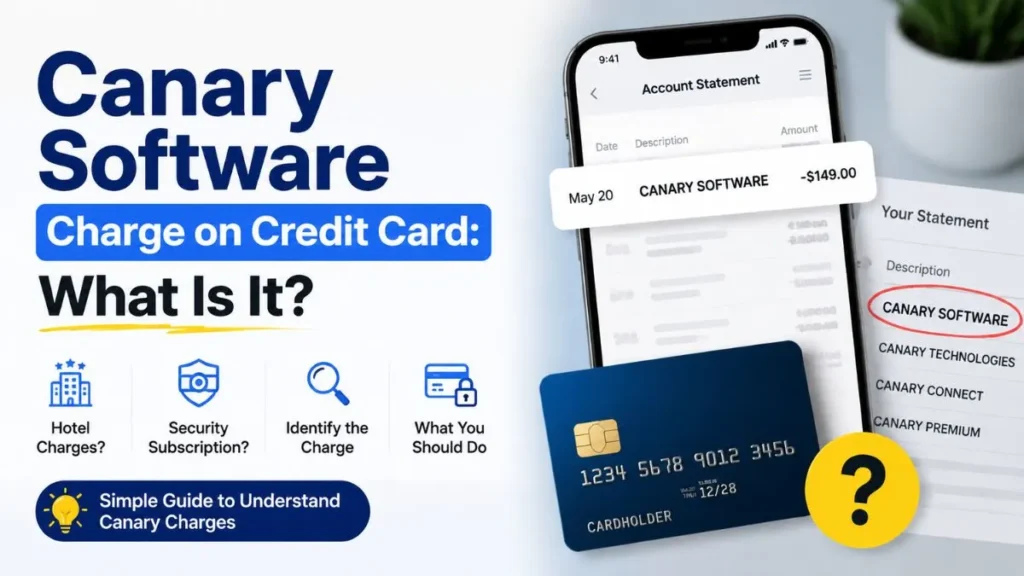
Seeing a Canary Software charge on your credit card statement can be confusing, especially if you do not remember making the payment. However, this charge does not always mean fraud. It may be related to a legitimate service connected to Canary Technologies, a hotel software platform, or Canary Home Security, a subscription-based security service.
In this guide, we will explain what a Canary Software charge means, why it appears on your statement, how to identify the transaction, and what to do if you do not recognize it.
What Is Canary Software Charge on a Credit Card?
A Canary Software charge on a credit card is a transaction description that appears when a payment is connected to a Canary-related service. The exact reason for the charge depends on the merchant details, transaction amount, date, and your recent activities.
Common Canary-related descriptions on credit card statements may include:
- CANARY SOFTWARE
- CANARY TECHNOLOGIES
- CANARY T*
- CANARY CONNECT
- CANARY PREMIUM
If you do not recognize the charge, checking the full transaction details can help you understand where the payment came from.
Why Did Canary Software Charge My Credit Card?
There are two common reasons you may see a Canary-related charge on your credit card.
Canary Technologies Hotel Software Charge
Canary Technologies provides digital tools for hotels and hospitality businesses. Hotels use Canary solutions for services such as:
- Digital check-in
- Guest verification
- Credit card authorization
- Digital tipping
- Guest communication
If a hotel uses Canary’s platform, the charge may appear with a Canary-related name instead of the hotel name you remember.
You may see this type of charge after:
- Booking a hotel room
- Providing card details for a reservation
- Authorizing a card for incidentals
- Completing a digital check-in
- Paying for additional hotel services
For example, a hotel may use Canary’s digital authorization system to securely collect guest payment information. In this case, the Canary name may appear during the transaction process even though your actual interaction was with the hotel.
Canary Home Security Subscription Charge
Another possible reason is a Canary Home Security subscription. Canary offers smart security cameras and optional paid services that provide additional features.
A Canary Home Security charge may be related to:
- Monthly subscription billing
- Annual renewal
- Premium security features
- Monitoring services
If you previously signed up for a Canary subscription, the charge may occur automatically when your plan renews.
Even if you no longer actively use your Canary device, an active subscription can continue charging until it is canceled.
How to Identify the Source of Canary Credit Card Charge?
If you are unsure why you received a Canary charge, follow these steps:
Check Your Credit Card Statement
Review:
- Exact merchant name
- Transaction date
- Amount charged
- Location details
The description can provide clues:
- CANARY TECHNOLOGIES / CANARY SOFTWARE may be connected to a hotel-related transaction.
- CANARY PREMIUM / CANARY SERVICE may indicate a security subscription.
Review the Charge Amount
The amount can help you understand the type of payment:
- A smaller recurring charge may indicate a monthly subscription.
- A larger charge may indicate an annual renewal.
- A hotel-related amount may be connected to a reservation, deposit, or additional service.
The amount alone cannot confirm the source, but it can help narrow down the possibilities.
Search Your Email
Search your inbox for:
- Canary
- Receipt
- Payment
- Renewal
- Subscription
- Reservation
- Hotel booking
You may find a confirmation email, renewal notice, or hotel payment record connected to the charge.
Check Recent Hotel Activity
If you recently traveled, review:
- Hotel bookings
- Reservation emails
- Travel receipts
- Hotel invoices
The charge may be connected to a hotel that uses Canary technology for guest services.
Is Canary Software Charge a Scam?
A Canary Software charge on your credit card is not automatically a scam. Many legitimate companies use Canary-related services for hotel operations or security subscriptions.
However, if you do not recognize the transaction, you should verify it before ignoring it. Check your accounts, receipts, and recent purchases to confirm whether the payment is legitimate.
What Should You Do If You Don’t Recognize Canary Charge?
If you cannot identify the transaction, follow these steps:
Verify the Charge
Check:
- Bank statement
- Email receipts
- Active subscriptions
- Recent purchases
Contact the Merchant
Ask for:
- Transaction details
- Billing information
- Account information linked to the payment
If the charge appears hotel-related, contact the hotel directly.
Contact Your Credit Card Company
If the charge remains unknown:
- Report the transaction
- Request an investigation
- Ask about dispute options
Your card issuer can help determine whether the charge was authorized.
How to Cancel Canary Charges?
The cancellation process depends on the source of the charge.
For Canary Home Security Subscription:
- Log into your Canary account.
- Open subscription settings.
- Cancel the active plan.
- Confirm the cancellation.
For Hotel-Related Canary Charges:
Contact the hotel connected to the transaction and request payment details or corrections if the charge is incorrect.
Frequently Asked Questions
What is Canary Software on my credit card?
A Canary Software charge is usually related to Canary Technologies hotel software or a Canary Home Security subscription.
Why did Canary charge me?
You may have been charged because of a hotel-related authorization, reservation payment, subscription renewal, or premium security service.
How do I stop Canary charges?
Identify the source first, then cancel the subscription or contact the related merchant. If the charge is unauthorized, contact your credit card issuer.
Can Canary Software charge be fraudulent?
Any unknown transaction can potentially be unauthorized, but a Canary charge is not automatically fraudulent. Always verify the source before disputing it.
Final Thoughts
A Canary Software charge on your credit card can come from different sources, most commonly a Canary Technologies hotel-related transaction or a Canary Home Security subscription.
Before assuming the charge is fraud, check your statement details, emails, subscriptions, and recent purchases. If you still cannot identify the payment, contact the merchant or your credit card company for help.

Emma Rose is a U.S.-based personal finance writer and a regular contributor at Cardix.us. She focuses on topics like credit cards, credit scores, and everyday money management. Emma’s writing makes complex financial concepts simple and practical, helping readers make smarter credit and spending decisions with confidence.

